





Browse and download images on the web
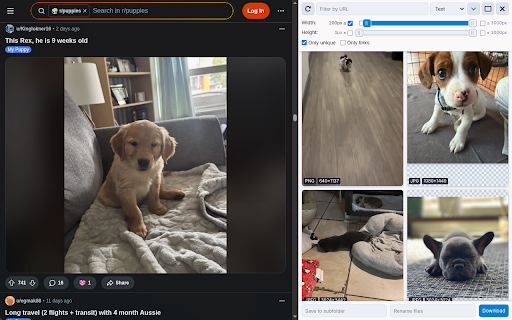
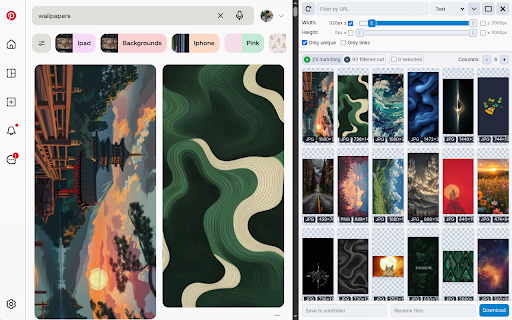
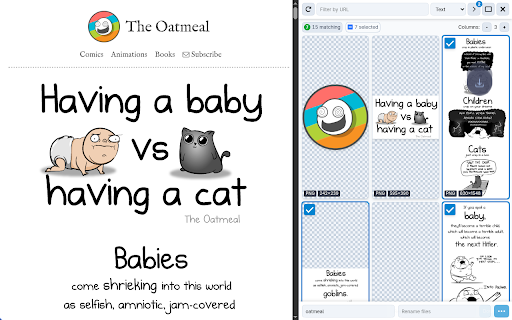
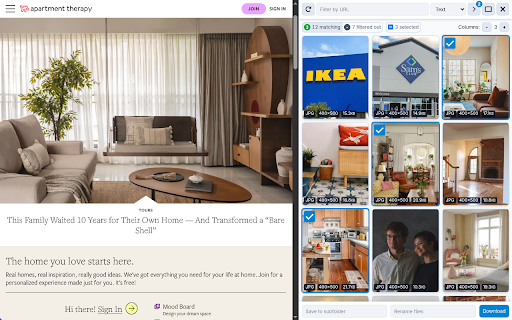
Image Downloader ━━━━━━━━━━━━━━━━━ To save multiple photos at once, this extension enables you to: - Browse pictures on the active webpage - Filter by size, dimensions, or URL - Remove duplicates - Download or view any single photo with one click - Save to a subfolder - Rename downloaded files - Download in the background Note: If no default download folder is set, you’ll need to choose a save location for each photo, which may trigger multiple popups. Configure a download directory in your browser settings for a smoother experience. ❓ FAQs ━━━━━━ There's a problem, what do I do? Please visit the support page and describe your issue: https://chromewebstore.google.com/detail/cnpniohnfphhjihaiiggeabnkjhpaldj/support We cannot reply to reviews - only support posts. Why does this extension need access to all site data? To extract photos from a webpage, Image Downloader must access all content when the popup is activated. No data is sent off your device. See our Privacy Policy for details: https://pactinteractive.github.io/image-downloader Why were some downloaded photos smaller or missing? Image Downloader only retrieves photos currently displayed on the page, which may be thumbnails rather than full-resolution versions (like in Facebook albums). Some sites, like Instagram, load only a few pictures at a time in carousels to save bandwidth. Consider using other specialized extensions tailored to downloading from Facebook or Instagram.